About this item
Apple AirPods Pro 2nd Generation A2698 Right Earbud Replacement
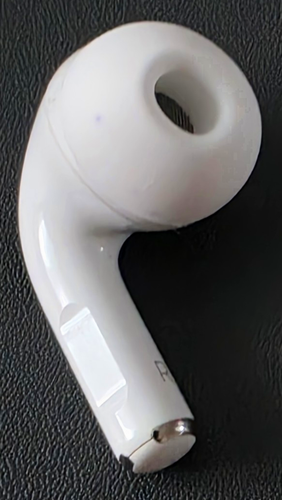
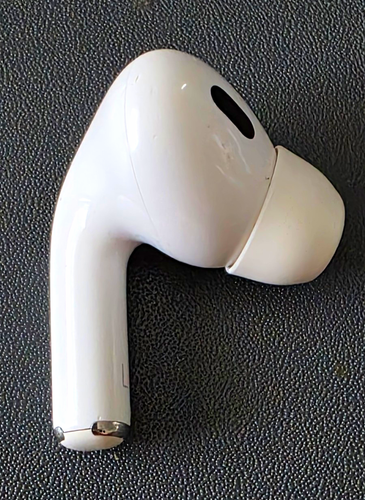
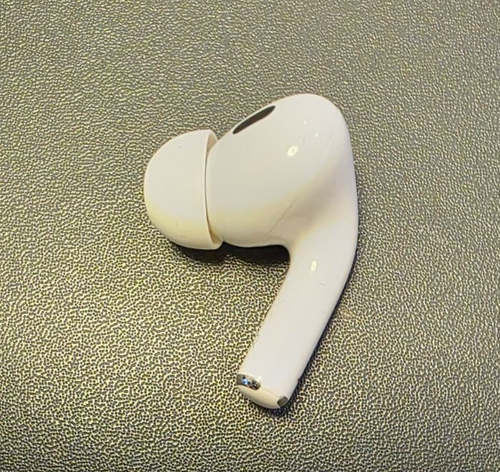
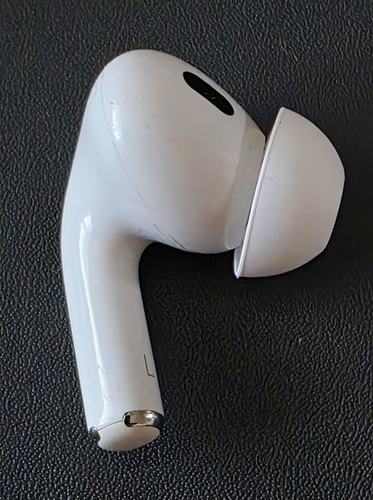
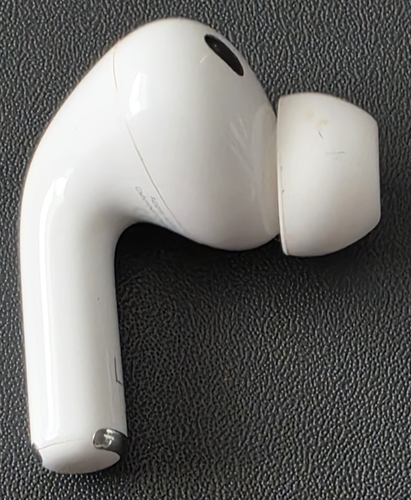
Genuine Apple AirPods Pro 2nd generation right-hand earbud, model A2698.
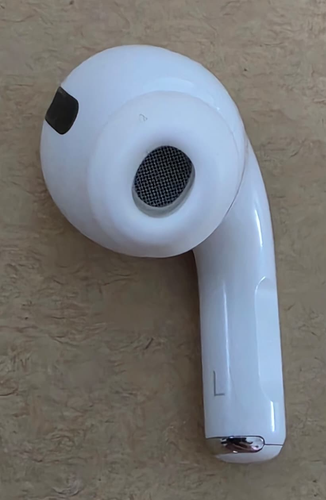
RIGHT SIDE ONLY – the stem is marked “R”.
Ideal as a replacement for a lost or damaged right AirPod.
Model: A2698
Brand: Apple
Product: AirPods Pro 2nd Generation
Side: Right / R
Colour: White
Quantity: 1 earbud
CONDITION
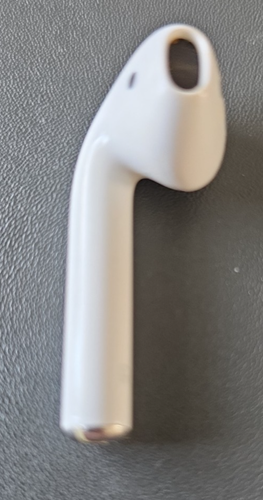
Pre-owned condition with visible signs of previous use.
There is cosmetic wear, marking and discolouration present, particularly around the lower metal/chrome section of the stem. Please inspect all photographs carefully for the exact cosmetic condition.
Silicone ear tip is fitted as shown.
This listing is for the single RIGHT A2698 earbud shown in the photographs only. No charging case, left earbud, cable, charger, box or other accessories are included.
Please ensure model A2698 is the correct replacement for your existing AirPods setup before purchasing.
COMPATIBILITY
This is the RIGHT AirPod Pro 2nd Generation, model A2698.
Compatible matching components:
• Left AirPod: A2699
• Charging Case: A2700 MagSafe Charging Case (Lightning)
This A2698 is from the 2022 AirPods Pro 2 Lightning generation.
Please check the model numbers of your existing AirPod and charging case before purchasing to ensure you are buying the correct replacement.
HOW TO SET UP YOUR REPLACEMENT AIRPOD
Apple's replacement AirPod setup procedure:
1. Place both AirPods – your existing AirPod and this replacement AirPod – into your charging case.
2. Connect the charging case to power, close the lid and leave it for 20 minutes.
3. Open the lid and check the status light.
4. If the status light is not flashing white, leave the lid open and press and hold the setup button on the back of the charging case for approximately 15 seconds. The status light should flash amber and then white.
5. Once the status light is flashing white, close the lid.
6. On your iPhone or iPad, go to Settings > Bluetooth. If your existing AirPods are shown, tap the More Info button next to them, select Forget This Device and confirm.
7. Open the charging case lid and go to the Home Screen on your iPhone or iPad.
8. The AirPods setup animation should appear. Tap Connect and then Done.
Your replacement AirPod should now be paired with your existing AirPod and charging case.
These instructions are based on Apple's official replacement AirPods setup procedure.